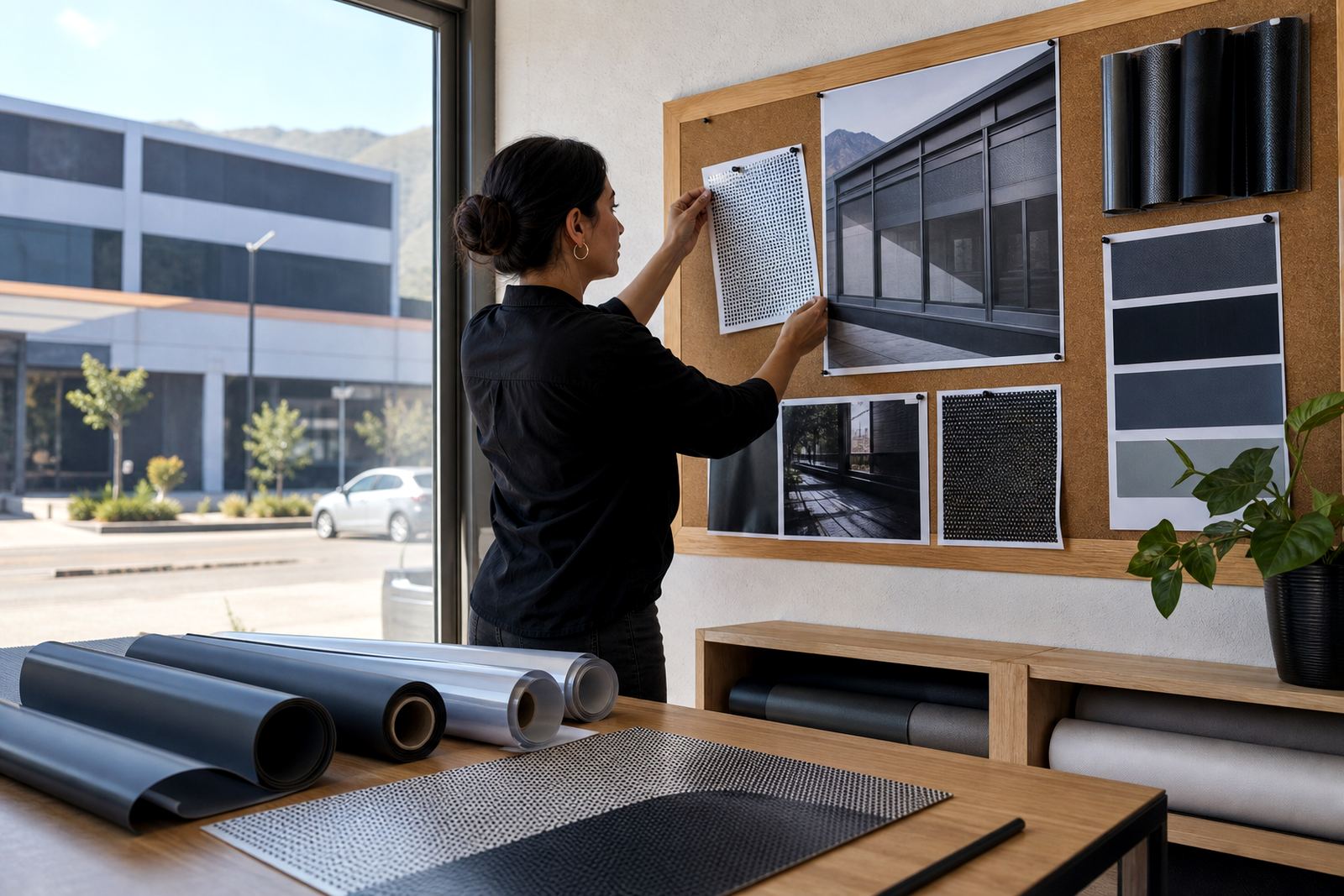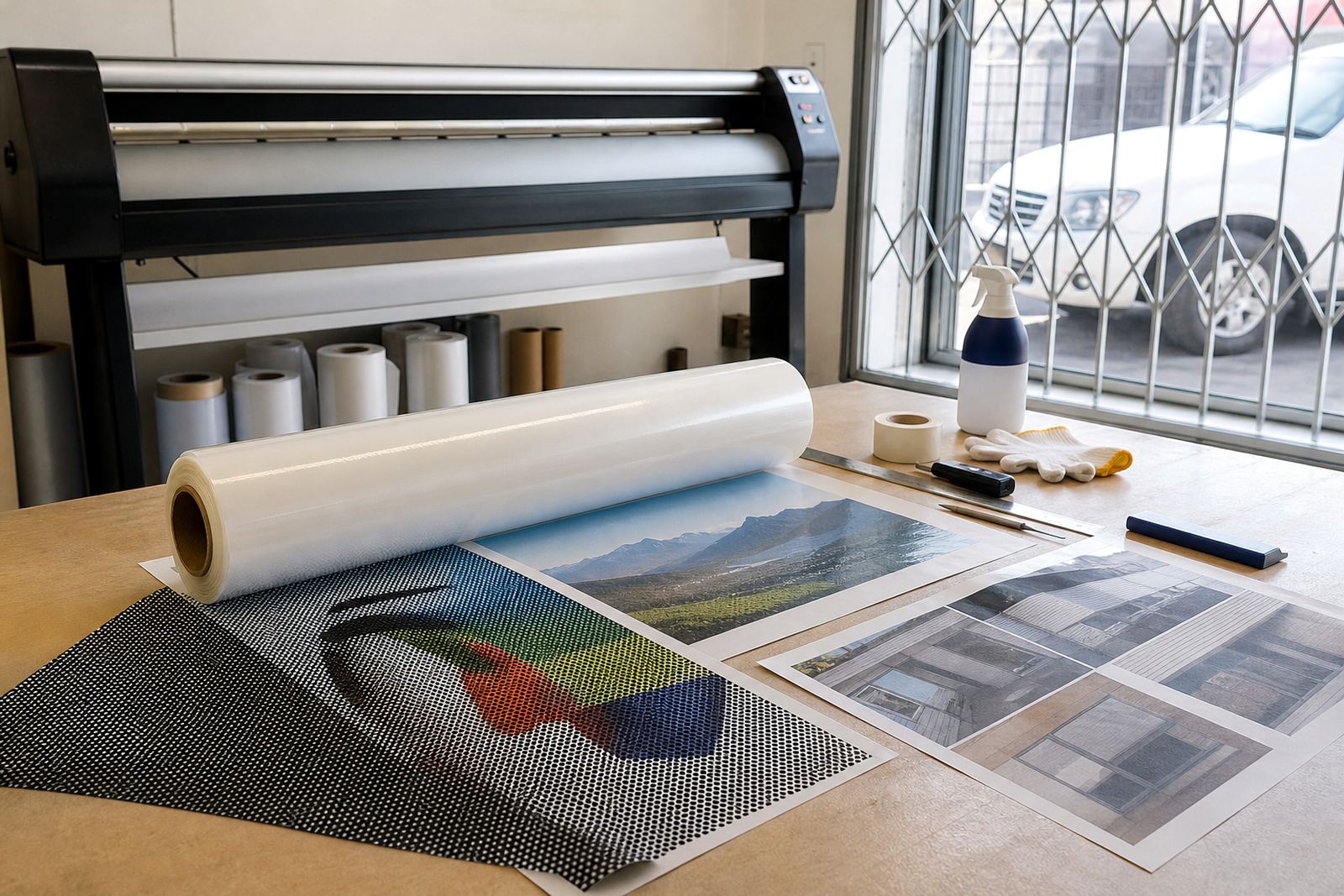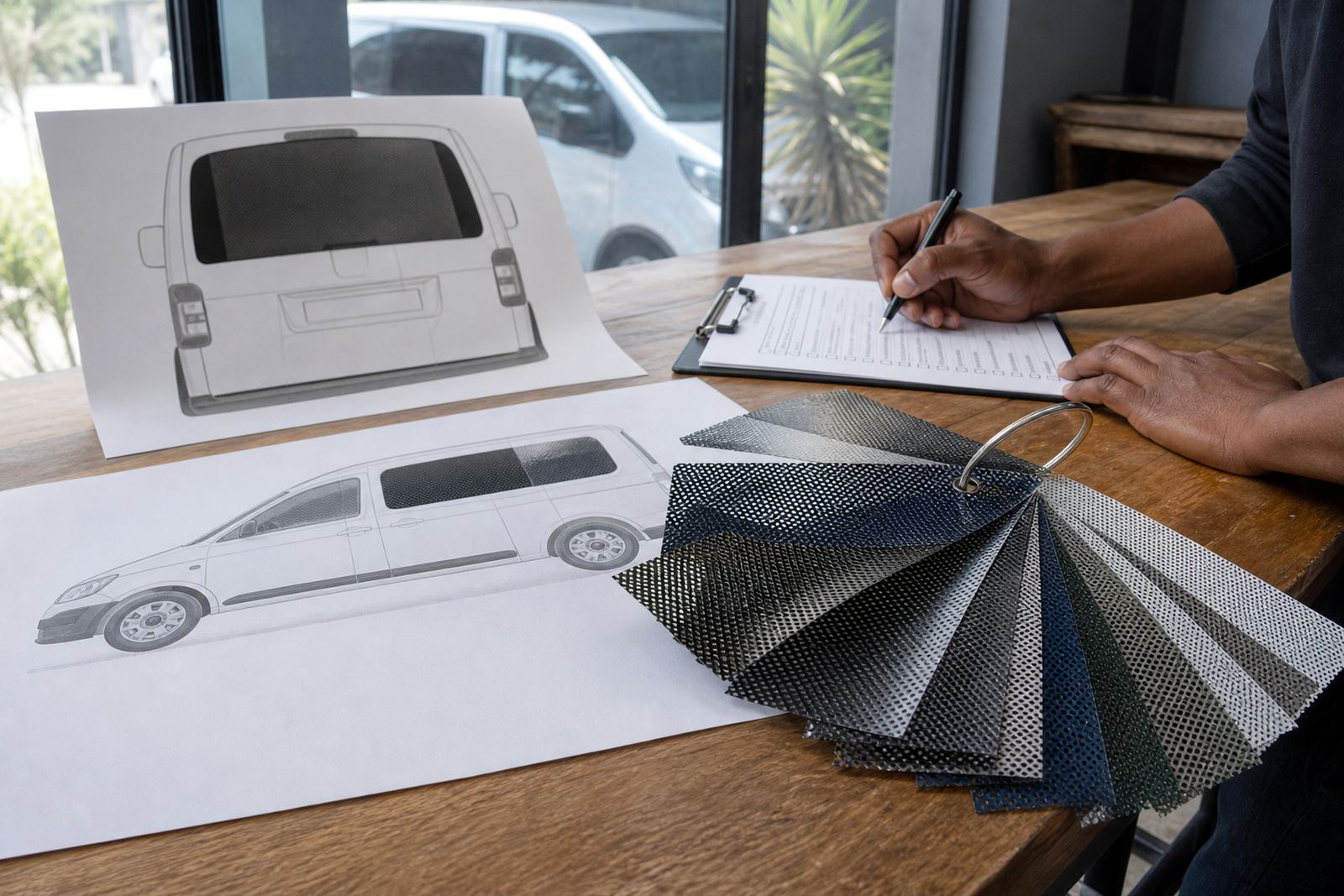

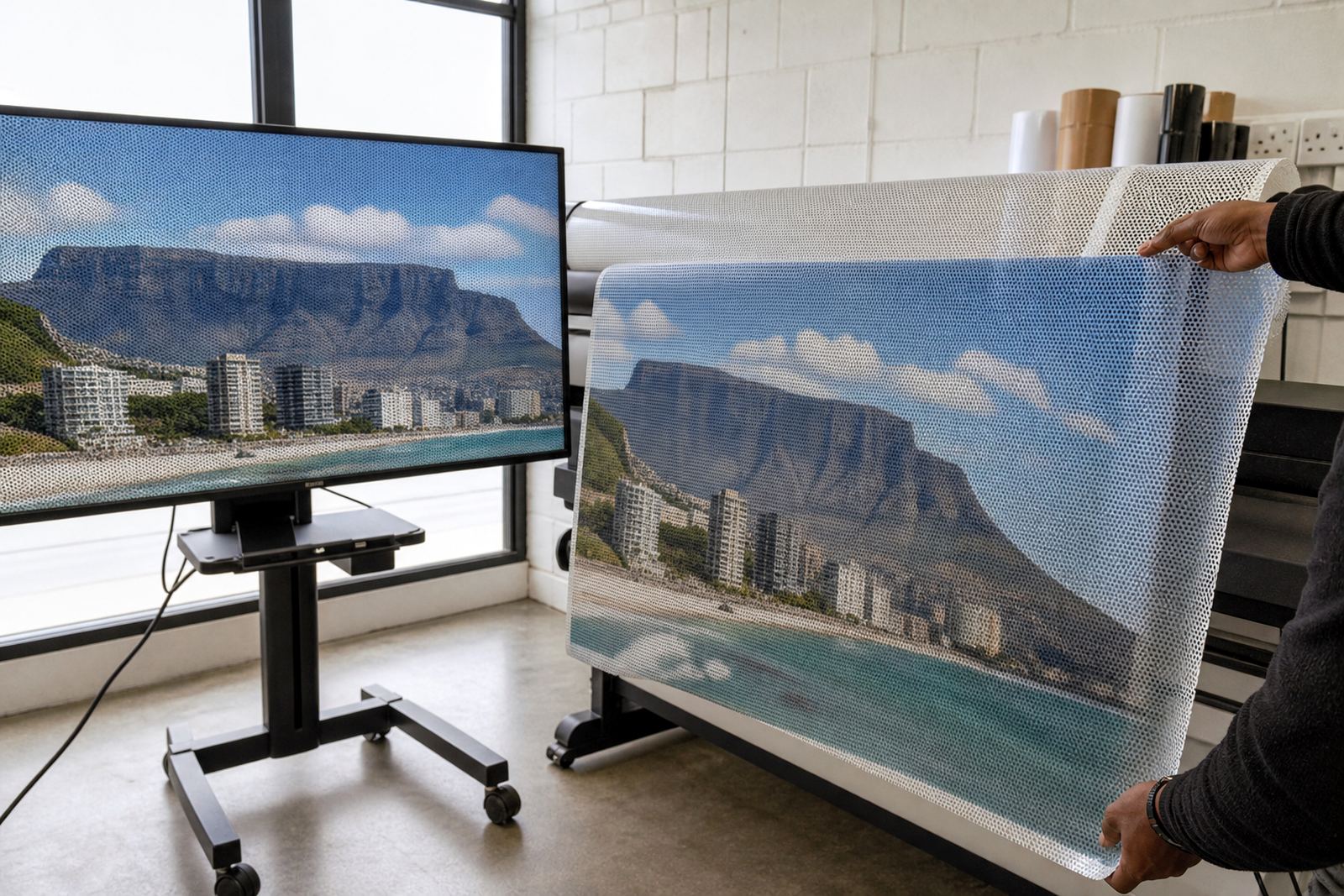
Start with the right file setup
For perforated film, artwork should be set up at the final size you want printed, or at a clear production scale agreed before print. Keep text readable, logos simple and key detail away from edges where perforation and trimming can affect the finish. If the job is for a shopfront in Cape Town, a delivery vehicle in Johannesburg, or a branch window in Durban, the same rule applies: work cleanly from the start and leave enough room for fixing and trimming.
Use vector artwork where possible for logos, line work and type. If you are supplying images, make sure they are sharp enough for large format output. Low resolution files can look soft once printed across glass or a vehicle window. This is one of the most common causes of poor results, and it is easy to avoid with a proper file check.
Build for perforated viewing, not solid vinyl
Tiny perforations in one-way vision film let light through and preserve outward visibility from the inside. The printed face carries the graphic, while the unprinted side or backing side allows the user to see out. That means contrast matters more than fine detail. Strong colours, bold shapes and clear type hold up better than small decorative elements.
There are different perforation ratios used in the trade, and the right one depends on the balance between print area and through-view. A tighter perforation can give a fuller printed image, while a more open face can improve visibility from inside. Your artwork should be prepared with that in mind, because a design that looks fine on a solid banner may not read well on perforated media.
- Use bold headings and simple message blocks.
- Avoid thin lines smaller than a few millimetres on the final output.
- Keep important faces, numbers and call to action details away from very busy backgrounds.
- Plan for the viewing distance, not just the computer screen.
Bleed, safe area and edge control
Bleed is needed so the design extends beyond the trim line and does not leave a white edge after cutting. On perforated film, this is especially important because the final cut must sit neatly against the glass or panel. For shopfronts, a poor edge can catch the eye from the pavement. For vehicles, it can also create fitting issues around curves, seals and handles.
Keep critical artwork inside a safe area so nothing important is lost during trimming or around window frames. If you are supplying artwork for a full rear window or side glass panel, allow extra margin for the curved shape of the glass and the way the film will sit once squeegeed down. A good layout avoids surprises during installation and saves rework later.
- Add bleed around the outside of every panel.
- Keep small text well inside the trim line.
- Leave room for door seals, frit bands and rubber edges.
- Check the final panel sizes before export.
Colour, contrast and print clarity
Perforated media prints differently from normal vinyl, so colour management matters. Dark solid areas can block light more heavily and may reduce the see-through effect, while pale tones can soften the message. If your brand depends on specific colours, ask for colour proofing before production so the final look is checked against the intended finish. A proof is especially useful for retail chains and fleets where consistency matters across several branches or vehicles.
For best print clarity, use high contrast between background and foreground elements. Black type on a strong light background usually reads well, while very thin reversed text can be hard to see. On glass in coastal areas such as Gqeberha or Durban, daylight reflections can also affect how the artwork appears, so the design should be tested in real light conditions when possible.
Vehicle artwork needs an extra legal check
When the film is going onto a vehicle, the design must suit the shape of the windows and still keep the driver’s view legal. Rear and side windows can often carry printed perforated graphics, but visibility requirements differ depending on the vehicle and the window position. Always check the current road traffic rules before approving artwork for a vehicle, especially if the film will sit on a rear window, double cab side glass or a panel used for reversing.
Vehicle templates help you place the artwork correctly around curves, heating lines and window openings. They also help prevent logos from landing on a handle, latch or blind spot. For fleet work in Pretoria, Johannesburg or across the Western Cape, templated artwork saves time and keeps each vehicle consistent.
What to send before production
Before printing starts, send artwork that is ready for checking and confirm the job details clearly. If site measuring or vehicle templating has already been done, match the artwork to those dimensions exactly. If you need refit and refresh on an older installation, include notes about what should stay and what should change. A clean handover makes the process faster and lowers the chance of mistakes, especially on multi-site rollouts.
- Final artwork files in the correct size or agreed scale.
- Fonts outlined or supplied separately if required.
- Images placed and linked correctly, with enough resolution.
- Colour references if brand consistency matters.
- Panel notes for each window, vehicle side or rear section.
- Any instructions for old film removal or surface preparation.
For large orders across Cape Town, Bellville, Milnerton, Johannesburg, Durban, Pretoria and Gqeberha, it helps to label each file clearly by site or vehicle ID. That small step can save a lot of time when the job moves from artwork to print, lamination and installation.
Final pre-flight check before you approve
Before sign-off, zoom in and inspect every panel for spelling, spacing, image quality and edge alignment. Check that phone numbers, trading names and directional text are easy to read from the expected viewing distance. Make sure the background will still hold up once the film is perforated and laminated. A file that looks fine on screen can still fail on glass if the contrast is too soft or the type is too small.
If you are unsure, ask for a colour proof or a layout check before printing. That is often the best time to fix a mistake, not after installation.A small typo caught early is better than a costly reprint later.